Invisalign SmileView
Preview a Straighter Smile in Minutes
Wondering how your smile might look after clear aligner treatment? Invisalign SmileView is a complimentary online tool that uses a photo of your smile to generate a simulation of how your teeth could look once straightened.
It is a simple, private way to explore the idea of treatment from home before you book a consultation.
How It Works
- Open the Invisalign SmileView tool on your phone or computer.
- Take a well-lit, front-facing photo of your natural smile, following the on-screen prompts.
- Within moments, the tool displays a simulated image of your smile.
- If you would like to explore treatment further, book a consultation with our team.
An Important Note About Your Simulation
SmileView provides an illustration only. It does not assess your teeth, gums, bite or suitability for treatment, and it is not a prediction of your actual outcome. Your individual results will depend on factors that can only be evaluated at a clinical examination.
Your Invisalign Consultation
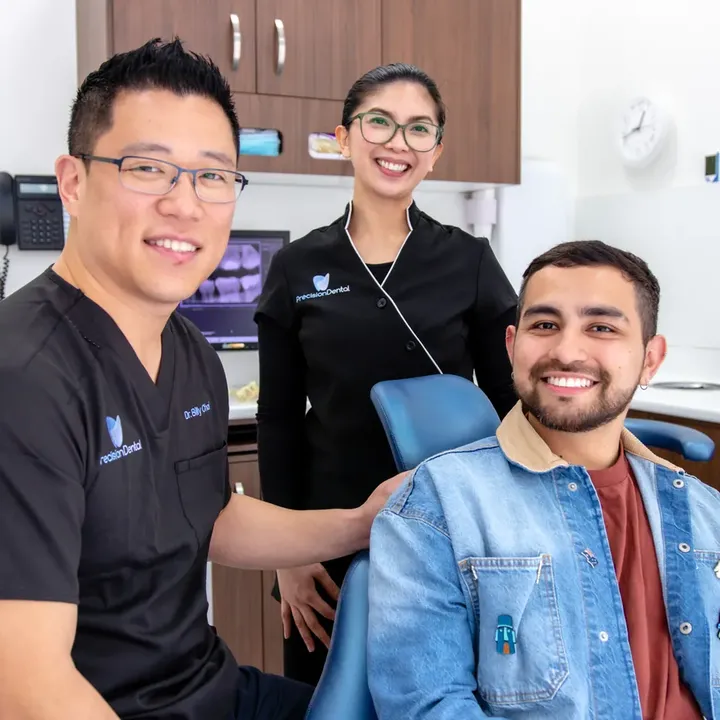
At your consultation, Dr Billy Choi examines your teeth and gums, reviews your bite and takes photographs and digital X-rays. If Invisalign is suitable, we use our 3D intra-oral scanner to create a digital model of your teeth and plan your treatment, and we explain the expected timeframe, commitment and costs.
Learn more about Invisalign treatment at Precision Dental, or explore our Prices and Payment Options, including payment plans through DentiCare for eligible patients.
Book Your Visit at Precision Dental
Whether you are due for a routine visit or ready to talk through a treatment you have been considering, our Fortitude Valley team would be glad to welcome you. Call us on (07) 3852 1160 or book online, and we will find a time that suits you.